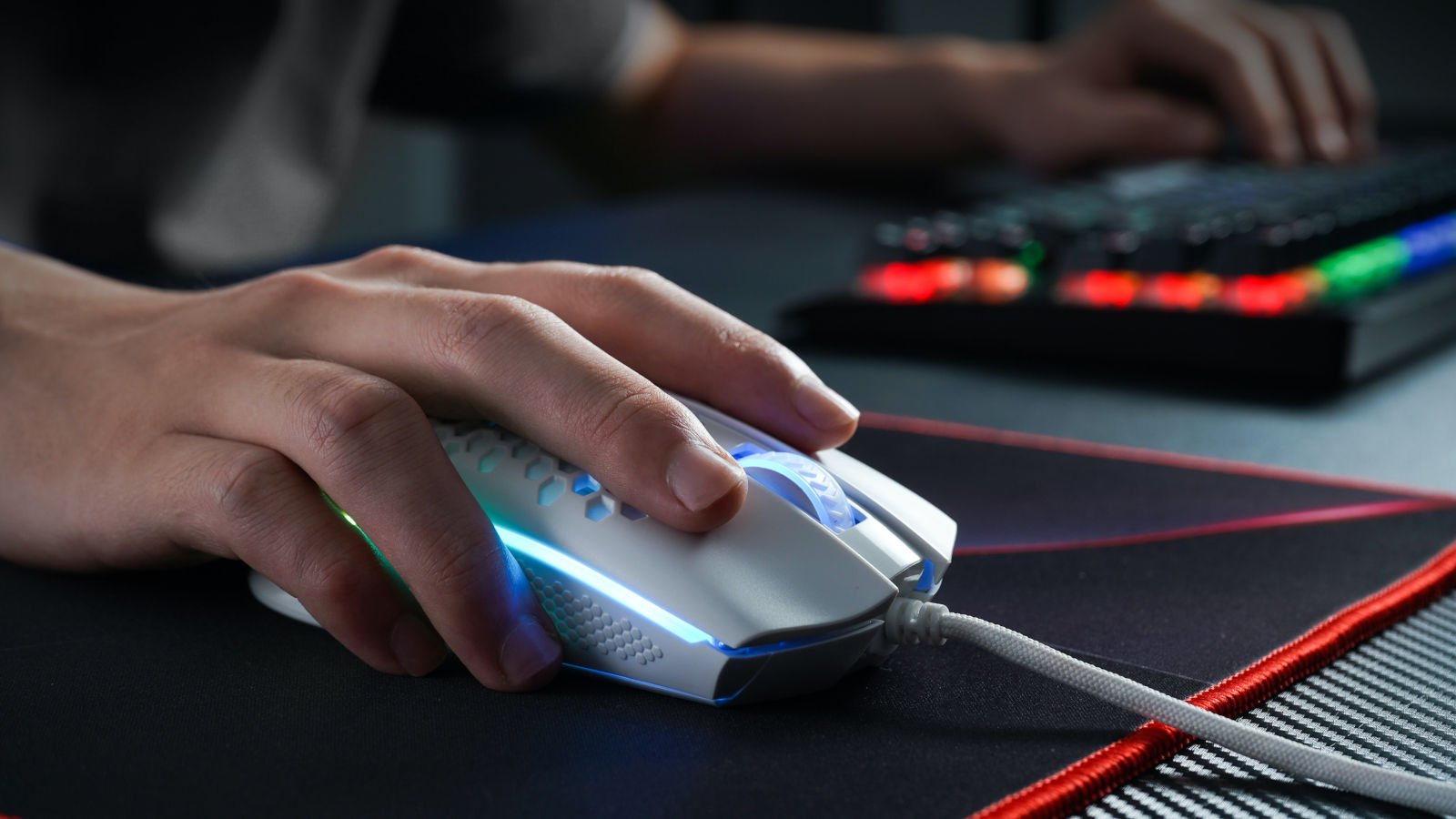
Microsoft says persistent issues causing games to crash or fail to launch after installing the Windows August 2026 Updates may be caused by peripherals with RGB lighting.
As Microsoft explained on Wednesday when confirming the investigation, this known issue affects games such as ARC Raiders, MARVEL Tōkon: Fighting Souls and The Finals on systems running Windows 11 24H2 and 25H2.
“After releasing Windows Updates on August 11, 2026 (KB5121003) and later, Microsoft received reports of issues where games were unable to run as expected,” Microsoft said in the Windows Release Health dashboard.
On affected PCs, users also experienced game crashes, “EXCEPTION_ACCESS_VIOLATION” errors, and even unexpected system reboots.
In an update on Thursday, Microsoft said the gaming issues may be caused by drivers or components installed by RGB devices on affected Windows systems.
“Ongoing investigation suggests that this issue is related to peripheral devices or internal device components that have RGB lighting capabilities. Such devices may install drivers or code components with filenames similar to inpoutx64. In systems where these drivers are found, the issue is then triggered by launching certain games.” it was pointed out.
“We are currently working to understand the connection between these RGB components and the games that trigger this issue. We will provide an update when more information becomes available.”
Unofficial workaround shared by game developer
Embark Studios, the Swedish video game developer behind ARC Raiders and The Finals, also said that these issues were caused by inpoutx64.sys, but added that they were due to changes to the Windows kernel driver.
“We are aware of a crash affecting some players since the last Windows update (KB5121003). This is a crash related to the inpoutx64.sys file, which changed with the Windows update.” Embark said on Monday.
Until Microsoft releases an official fix, Embark shared a multi-step temporary workaround To do this, users need to delete the service and remove the inpoutx64 file from the Windows Drivers folder.
This isn’t the first time Microsoft has had to fix gaming performance and stability issues caused by Windows updates. For example, in October 2024, Microsoft blocked Windows 24H2 upgrades that resulted in Asphalt 8 crashes and Easy Anti-Cheat blue screens.
A compatibility hold was also lifted in January 2025 after fixing a bug in the Auto HDR Windows feature that caused some games to break on Windows 11 24H2 devices.
Early last year, Microsoft also removed several upgrade blocks that prevented players of Asphalt 8: Airborne, Assassin’s Creed, Star Wars Outlaws and Avatar: Frontiers of Pandora from updating their devices to the latest version of Windows.

Overall prevention scores can hide what happens after the first access. Once attackers use valid credentials, prevention drops sharply.
The 2026 Blue Report measures defense technology for technology in 338 million simulations conducted in customer production environments.