I spend a lot of time around code, but writing code is only one part of my workflow. Over time, I’ve noticed that some of the tools I rely on heavily have nothing to do with code generation. They help me work through ideas, solve small problems, manage setup, and make projects easier to handle. That’s why I wanted to highlight the tools that have a permanent place in the workflow. They are not AI coding assistants and they are not going to build an app for me. But they make my daily routine so much easier that I don’t even notice until they’re gone.
RustDesk
Remote door to my other cars

I often need to access another computer without sitting in front of it, and RustDesk has been my go-to tool for that. I use it to connect to my other machines, check something quickly, or troubleshoot problems without interrupting what I’m doing.
What I like most is that RustDesk makes the process simple. I can connect to remote desktop, work with files and applications, and get things done without having to set up a complicated remote access workflow. Since it’s open source and self-deployable, it integrates well with other tools I use on my home server. This saves time for my development work. Sometimes I just need to reach for the right device.
Figma
Sketch the idea before you do anything concrete

I use Figma when I need to plan how the interface will look before I start working on it. Instead of going straight into VS Code and figuring things out as I go, I can quickly sketch out the layout, move things around, and see how different elements fit together.
I find this useful when working on a new page or modifying an existing interface. I can experiment with buttons, menus, spaces, and different sections without touching the actual code. It also makes it easier to spot design problems early when they are easy to fix.
Figma doesn’t write any code for me, but it helps me make better decisions before I start coding. For me, a few minutes spent planning the Figma interface can save a lot of time later.
VSCode
I use VS Code for almost everything around my code

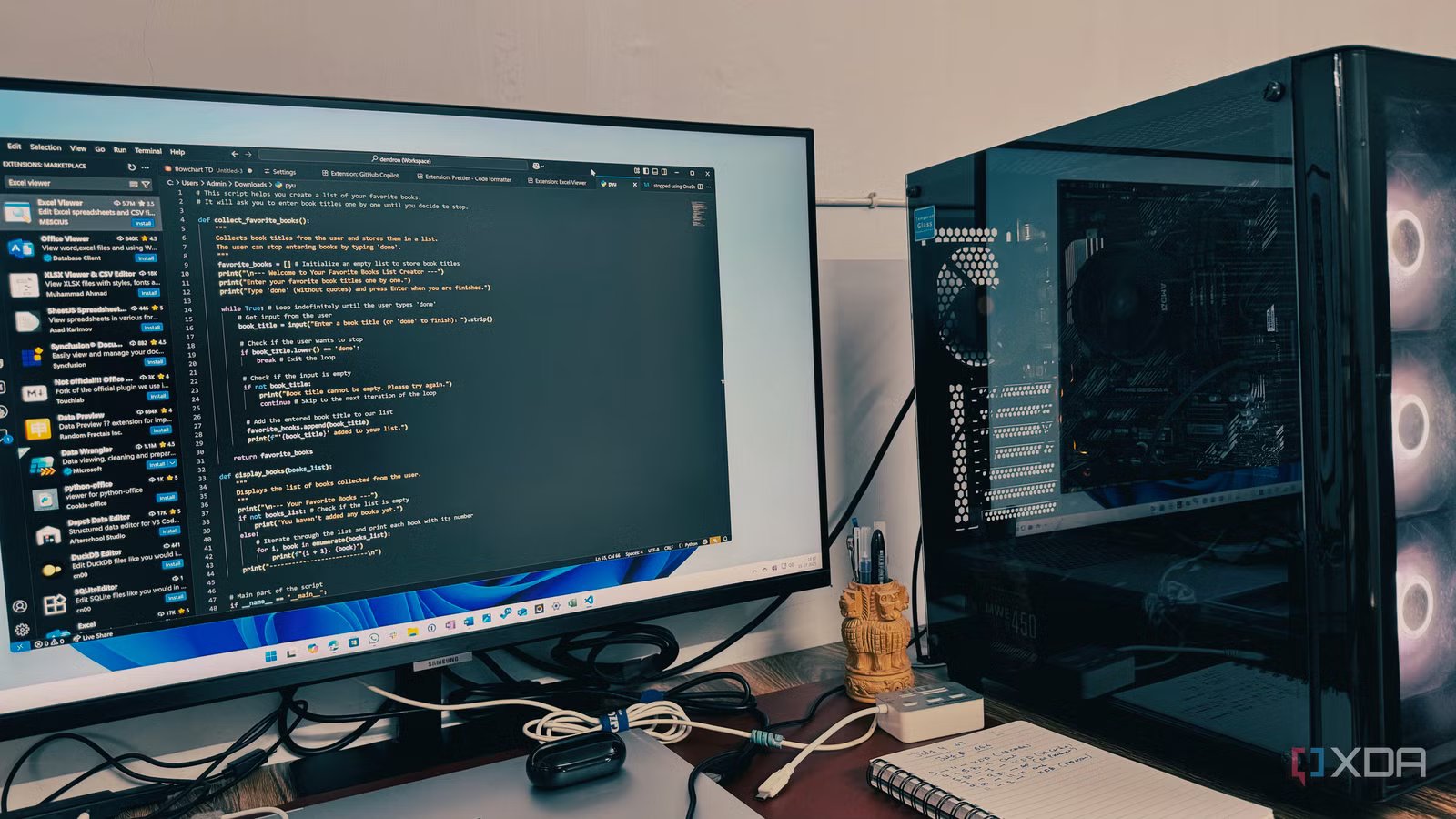
It might seem strange to add VS Code to the list of tools that don’t write code, but I don’t use it exclusively for writing code. VS Code is where I spend most of my time when I’m actually working on a project. I use it to open files, inspect existing code, edit configuration files, manage project folders, and monitor what’s going on in the project.
What I like about VS Code is that it doesn’t force me to do a complicated setup. I can open a project, install the necessary extensions, and get right to work. A built-in terminal, file browser, Git integration and extensions also mean you don’t have to keep switching between different tools.
Mermaid
Mermaid turns ideas into simple diagrams
I use Mermaid when I need to understand how different parts of a project fit together. Instead of trying to remember every step, I can simply diagram the process and see it in front of me.
I use it to plan things like application workflows, system frameworks, and how different parts of a project will connect. It is also useful when trying to explain an idea to someone else. A simple diagram is often easier to understand than a long explanation.
The best part is that you don’t have to create these charts manually. I can describe what I want using plain text, and Mermaid turns it into a diagram. It doesn’t write my code, but it helps me think about what I need to build before I start.
Docker
Keeping my development settings clean
Docker has been a simple way for me to run applications and services without having to install everything directly on my computer. It keeps each service in its own container, which makes it easier to manage my setup and keep different projects from interfering with each other.
I find it useful when testing self-hosted applications or working on projects that require multiple services working together. Docker Compose makes this easier because I can define everything in one file and start the whole setup when I need to.
For me, the biggest advantage is being able to try something without making permanent changes to the system. If I don’t need a service, I can stop or remove its container and continue. Docker doesn’t write code for me, but it eliminates a lot of setup work that comes with development. That alone makes it worth keeping.
The best developer tools don’t always hold code
I realized that my developer workflow depends on much more than an editor or a coding assistant. Tools I keep coming back to to eliminate minor frustrations and make the whole process smoother. They help me think, plan, connect, test, and move without getting in the way. That’s why I don’t think a useful developer tool should be built around AI or code generation. Sometimes the best tools quiet everything around the actual coding.



