An Adobe subscription is on the rise, and it can easily add up to hundreds of dollars each year, even if you’re paying per app. On top of the cost, you also have to deal with system drain. Illustrator silently runs 15+ background telemetry processes, Creative Cloud Desktop daemons, mandatory cloud sync prompts, and annoying periodic online license confirmation handshakes that render the software useless if you fail to complete them.
For a long time, open source vector software was thought to be difficult, slow, or stuck in the early 2000s. However, this is no longer the case. For today’s UI and UX designers, web developers, and digital illustrators, paying a monthly rental fee for Illustrator is outdated.
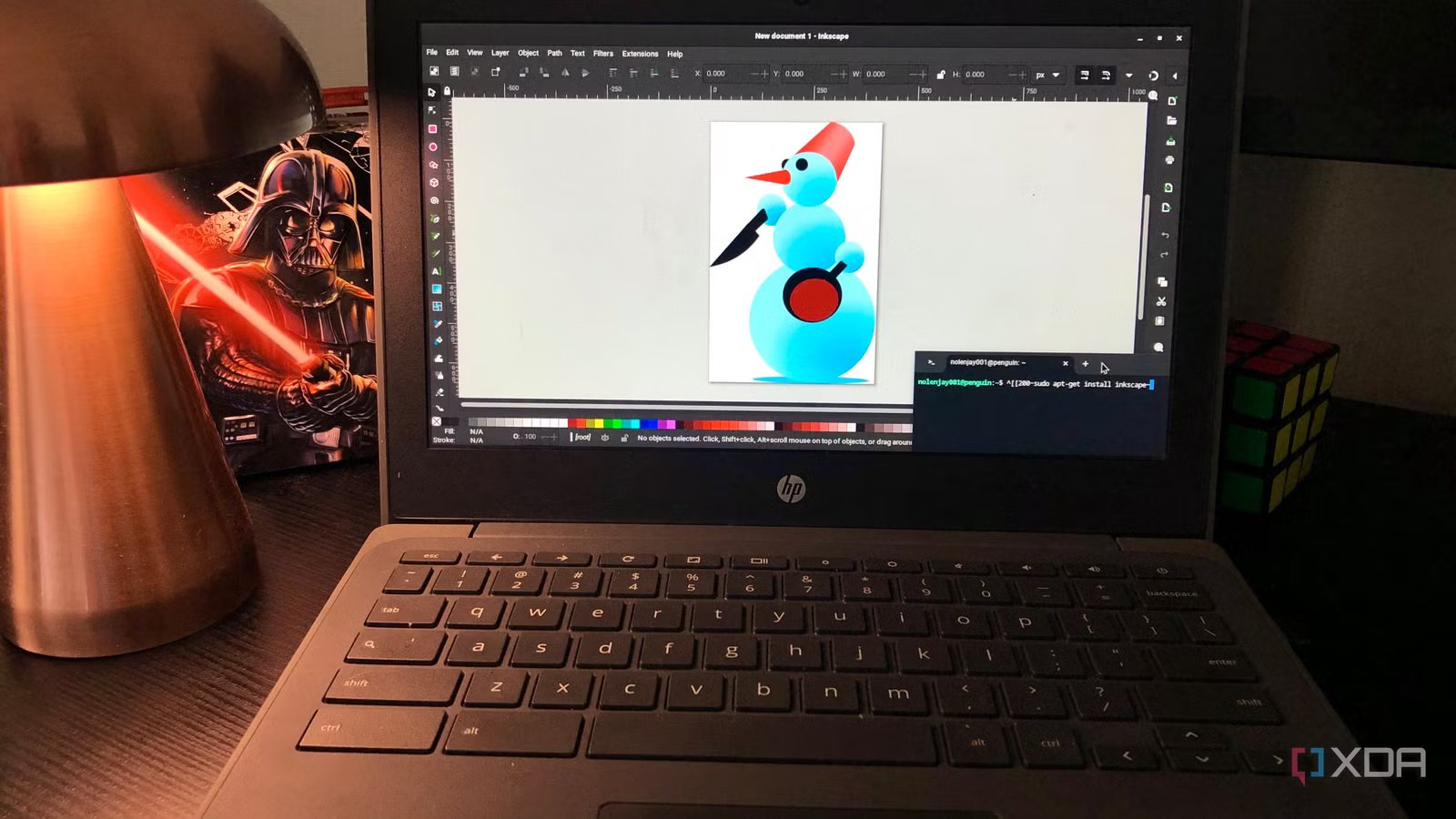
Inkscape is a fast, hardware-accelerated powerhouse that provides full ownership of tools and files, with W3C SVG architecture, multi-page export tools, and real-time node processing compatible with all Illustrator icon workflows.
The benefits of Inkscape are great
You get true file sovereignty
Under the hood, Inkscape offers a better SVG-first architecture that gives you an advantage. With Adobe Illustrator, it treats scalable vector graphics known as .svg as export targets, wrapping the artwork in its own .ai metadata, often creating clunky, confusing code filled with redundant tags and non-standard attributes. However, Inkscape is designed as a native W3C SVG editor, which means your working canvas is standard SVG code, giving you a huge advantage.
It also provides clean code for developers and web designers. When you draw a path or shape in Inkscape, the underlying XML tree is clean, semantically correct, and ready for web production. You can open the built-in XML editor directly in Inkscape to inspect DOM nodes, quickly edit CSS attributes, and remove unnecessary metadata without touching external code editors.
You also get the benefit of true file sovereignty. If you cancel your Adobe subscription, the history.ai project files are basically locked behind a paywall and you won’t be able to open them until you subscribe again. However, Inkscape projects remain open, editable, and future-proof on any operating system.
There are similar possibilities
You can’t miss

Many users stick to Illustrator for its features, but Inkscape offers similar tools. Inkscape provides direct alternatives to many of Illustrator’s most frequently used features for Pathfinder and Shape Builder users. Inkscape offers path actions. It shows keyboard shortcuts together with the Shape Builder tool for fast, interactive geometry assembly. You get a way to merge, difference, intersect, subtract, divide, and cut.
For real node processing and path effects, you get direct path effects (LPE). This provides non-destructive round corners, offset strokes and logical operations that can be processed. You also get lockable precision cropping tools to clean up object meshes, bounding box corners, path midpoints, and guide intersections with subpixel precision.
You can also use multi-page workspace and batch export. Inkscape’s state-of-the-art multi-page tool lets you control entire icon design systems in a clean grid of artboards. A batch export dialog lets you create multiple resolution assets with a single click, exporting dozens of icons to .svg, .png, .webp and .pdf files at once.
It’s not all peachy
But there are ways to bridge the gap

If you’ve been using Illustrator for any length of time, you’re probably used to the interface and muscle memory that comes with it. However, when you switch to Inkscape, you can create a practical, seamless, frictionless addition.
In the settings, you can change the keyboard shortcuts to Illustrator presets. You can do this by going to Edit > Preferences > Interface > Keyboard Shortcuts. There’s a built-in Adobe Illustrator shortcut map, so standard keys like V for selection, A for direct node selection, P for pen, and more work out of the box and you don’t have to learn new shortcuts.
You can also set the icon grid template by configuring a default 24 x 24px or 32 x 32px canvas grid with 1px base cropping increments. Save this as your default startup template and you’re good to go.
It also gives you the Illustrator look and feel if you want to add a global theme and dark UI. You can customize the canvas colors, use the dark mode interface, and minimize the toolbars to eliminate any visual clutter.
Despite all this, Inkscape is not 100% perfect and there are tradeoffs. Illustrator does a few things better, such as complex pre-press CMYK printing workflows by matching specialized Pantone spot colors. Also, advanced GPU rendering, 3D extrusion, and vector shading effects are better done with Illustrator. If you want a cloud collaboration library for your corporate team, Illustrator takes advantage of Adobe’s Creative Cloud libraries to make it even more seamless.
However, none of this matters if you use Inkscape for icons and UI. When it comes to digital vector design, UI glyphs, web assets, and app branding, CMYK print pipelines and 3D tools are basically dead weight. Inkscape’s focused vector toolset is simpler, faster, and for the job.
Save hundreds of dollars a year
Try Inkscape and you might ditch your Adobe subscription
Adobe built an empire by convincing designers that they needed a monthly perpetual license for professional vector graphics. However, for icon design and web vectors, modern Inkscape is not a low compromise; it’s a cleaner, more efficient and architecturally superior tool. Just because you have muscle memory, don’t let that tie you into an expensive monthly bill that adds up to hundreds of dollars a year. Instead, try Inkscape as a free alternative, download the Illustrator shortcut preset, and draw the following set of icons in SVG. If you like it, you’ll never have to pay Adobe subscription fees again.



