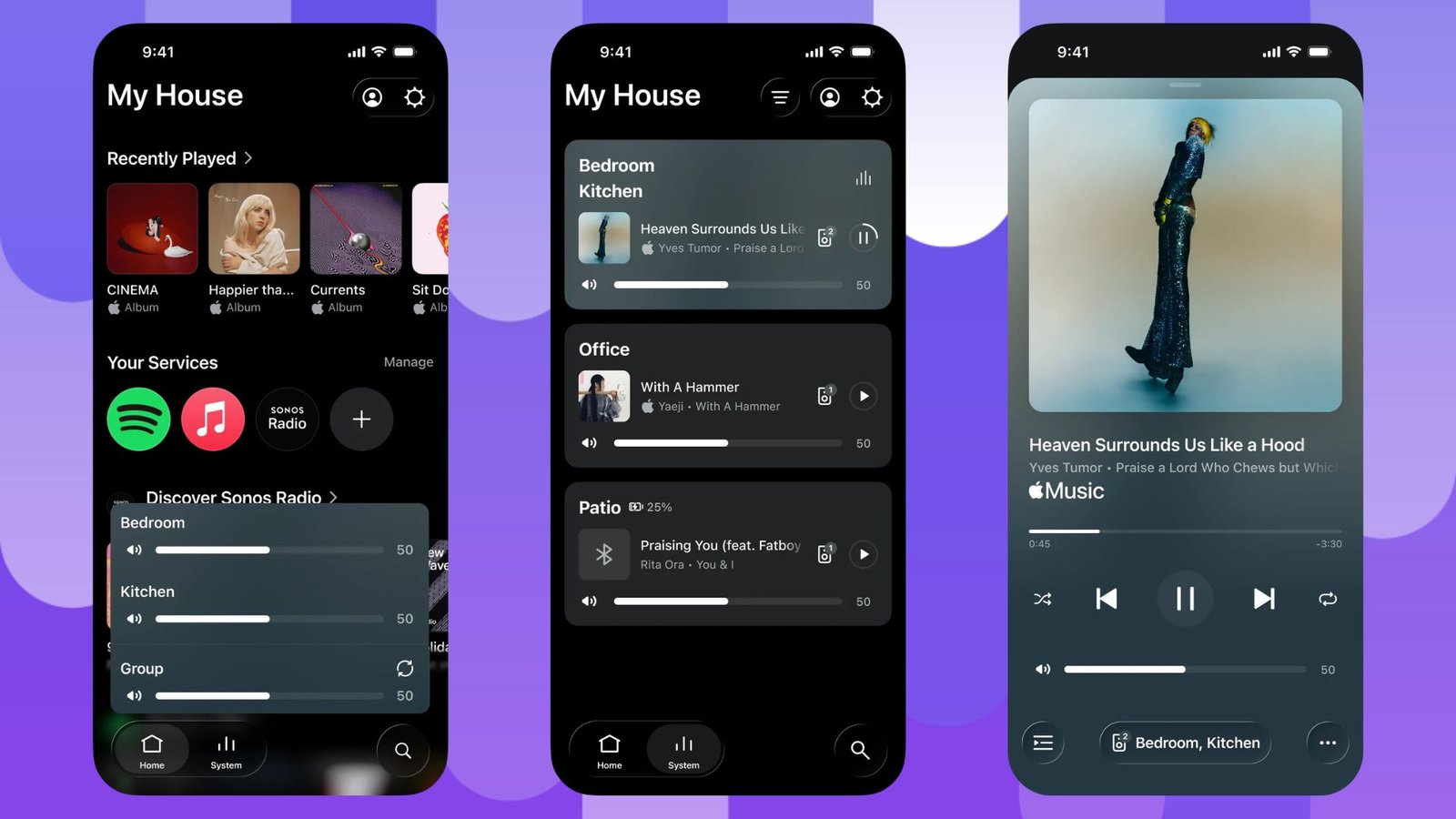
Sonos has finally added Live Activities support to its iPhone app.
Now available for iPhone users, the new feature gives you faster access to playback controls without having to open the app again. The feature appears on the lock screen after you start playing audio on a Sonos device and exit the app.
When active, Live Activity shows the room or group where audio was last played, as well as controls for playing, pausing, and skipping tracks. This means you can make basic playback changes right from the Lock screen.
The feature also works when playback is started outside of the Sonos app. says Sonos controls will still appear if audio is initiated through direct control of supported services. They also work with Bluetooth or AirPlay. This gives Live Activity a bit more flexibility than simply acting as an extension of the app.
However, there are limitations at launch. Album art is currently not displayed in Live Activities. Sonos says it’s looking into other ways to improve the Lock Screen experience, so there’s every chance this could change in a future update.
Sonos also confirmed that Live Activities will work with Apple Watch and CarPlay. However, playback controls are currently not supported on any platform. Because of this, the iPhone Lock Screen is the main place where the new feature is currently useful.
Live Activities have become a handy tool for making information from applications available without constantly opening them. So the addition is welcome for Sonos users. It’s also a surprisingly basic feature that’s only just arriving, given how useful quick play controls can be when listening to music at home.
Sonos itself described the addition as a “highly requested, anticipated and necessary feature,” so it seems the company is well aware that it’s been a long time coming.
\