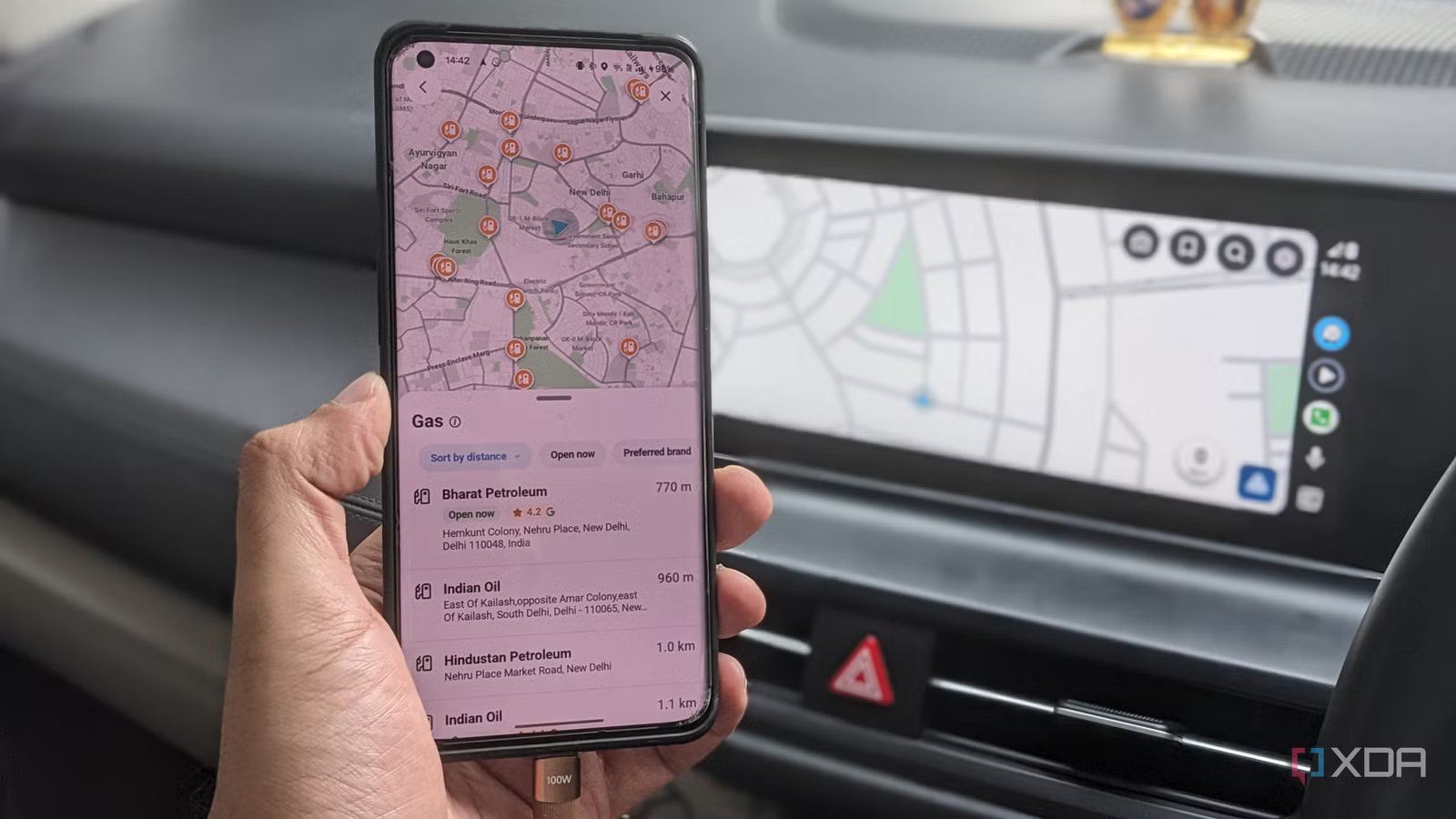
Google Maps has been my go-to navigation app for years. Being the best in the business, it makes sense. From my phone to Android Auto, it does all the basics well, but when it comes to some of the more advanced features found in the alternatives, Google Maps clearly falls short. Especially when it comes to my favorite Waze features – the drive planning feature.
You see, not only do I need to know how long it will take me to get somewhere, but also when I need to leave to get there on time. This is where Waze comes to the fore. Its scheduled driving feature lets you set your destination and arrival time. The app then works backwards using traffic data to tell me when to leave. When I connect my phone to Android Auto, the planned trip is ready on the car screen.
This one feature is all it takes to completely change my daily driving.
Waze tells me when to leave, not how to get there
Scheduled drives eliminate the daily friction on my drive

The biggest reason I stopped using Google Maps is because Waze understands and matches the way I drive. Look, if I have to be somewhere at 8pm, I don’t care how long it takes to get there. The most important thing for me is how early I have to leave to get there on time. Although I can calculate the time I need to leave when I make my plan, traffic conditions change too much for this estimate to be valid after a few hours.
With Waze, I can enter a destination, show when I’ll arrive, and save the drive. Waze then uses traffic information to determine what time to leave, and it reminds me as it gets closer to my departure time. Furthermore, the function is not limited to a fixed starting location. If I have a long day of meetings, the Scheduled Drives feature measures my current location and calculates my fastest departure time.
It’s especially useful for me on long days of meetings, but it can also come in handy for meetings, lunches, trips to the airport, and any situation where you don’t want to be late.
It was so useful that it became part of my workflow. If I have multiple appointments each morning, I make it a point to include them in my scheduled drives. It gives me a borderline automated reminder system that tells me when to leave next.
Waze tells me what’s ahead on the road
Little conveniences make a big difference
Other benefits of Waze in the car are also useful. The entire feature set of the app is focused on crowdsourcing data, and I can get a lot more out of simple queue navigation. Waze gives you traffic, accidents, police, hazards, blocked lanes and more. provides preliminary information about This means you have detailed information about the road conditions ahead. Moreover, these reports can be viewed even before you start actively driving the vehicle.
I find this useful when driving somewhere I know well. The navigation itself is not that important to me. But knowing what kind of friction I’m going to run into helps me more. It goes without saying that the basic navigation experience in Android Auto remains excellent. Everything from using voice commands to start navigation, to accessing saved routes, to viewing the route without holding my phone while driving.
Over time, I began to pay attention to Waze’s travel recommendations. The app can show you directions based on planned drives and contextual information. It’s not a day-and-night upgrade to the navigation experience, but it helps here and there as it gets added over time.
Overall, Waze was my choice because it has more features. That’s good. But mostly because it’s more important to me and has features that take the day-to-day distractions and friction out of the driving experience. That’s what it all boils down to.
Waze doesn’t replace Google Maps, but it’s better for driving
I haven’t completely abandoned Google Maps. As good as Waze is, it’s not a complete replacement for Google Maps. The mapping database itself is the biggest reason. Google Maps has an encyclopedic knowledge of many businesses, their opening hours and reviews. Not Waze. But for routes where I know when I want to be at my destination, Waze is what I reach for because it’s more efficient. Tells me when to leave so I can get to my destination on time. It helps me to be more punctual without wasting my time. Along with the awesome Android Auto integration, it also eliminates issues I didn’t even know I had. So it became my default when I got into the car.
small
Related
LG collects your voice data even when the TV is off because its executives claim to “own the glass.”
It claims that TVs even save snippets of data when they lose internet connection.