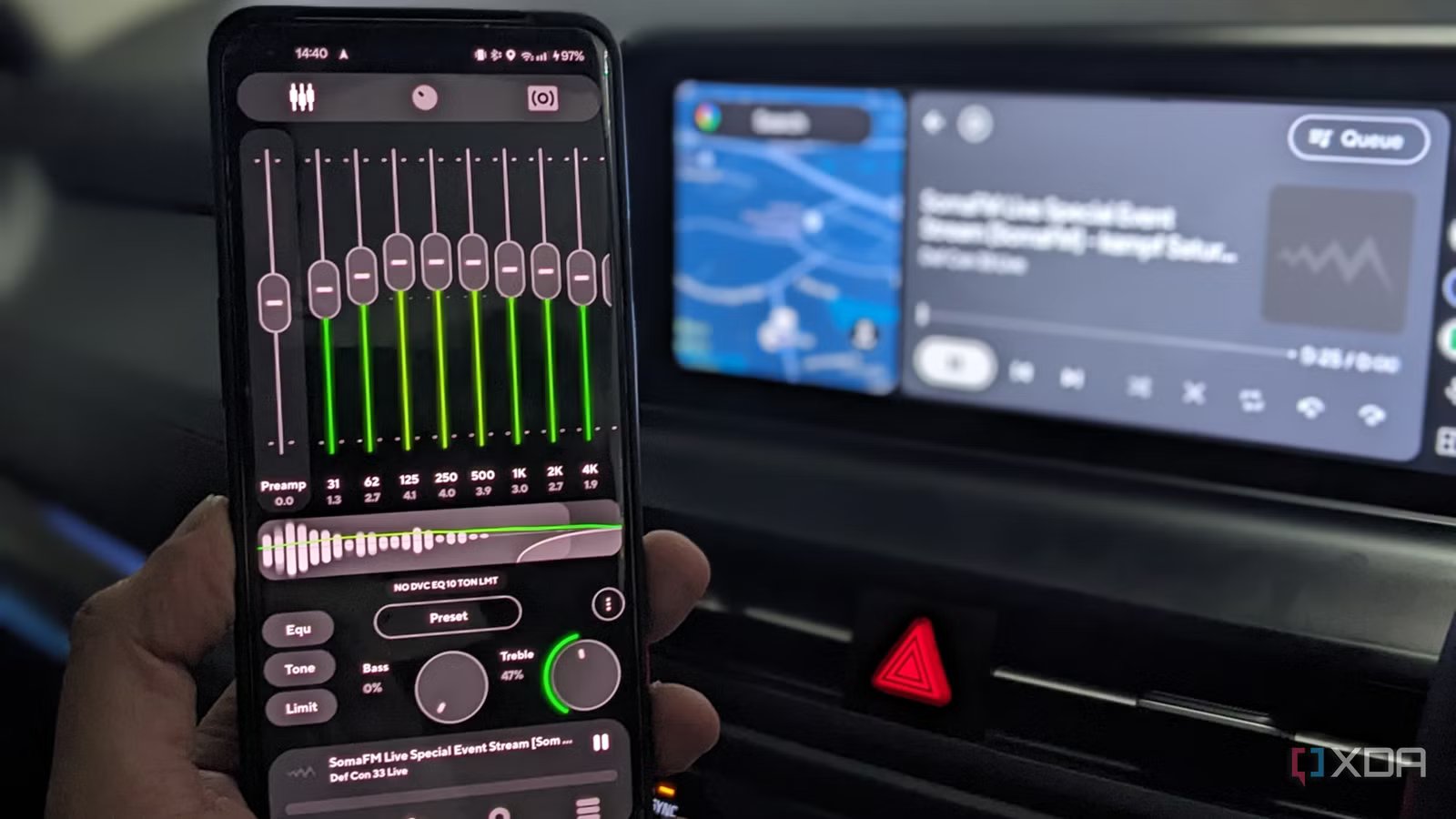
As a bit of an audiophile, I care a lot about audio quality. Even on a short drive, I want my tunes to sound right, and I don’t like to settle for my car’s basic infotainment system. The thing is, most car stereos give you a basic equalizer, if that. You’ll find a few presets that are fine for casual listening, but they don’t give you much room to dial in the sound you want.
Since I use my Android phone with Android Auto to listen to music, I decided to look for apps to solve this problem. Turns out I already had the solution installed on my phone.
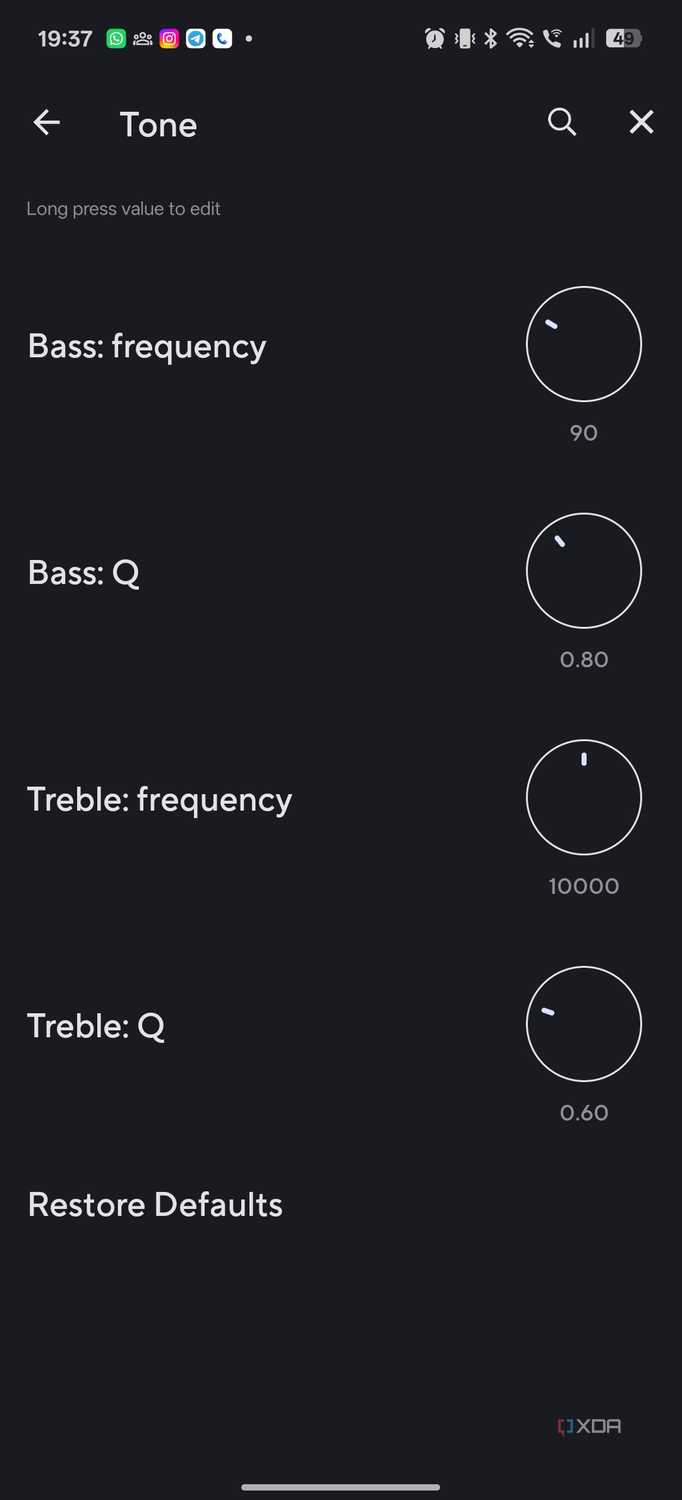
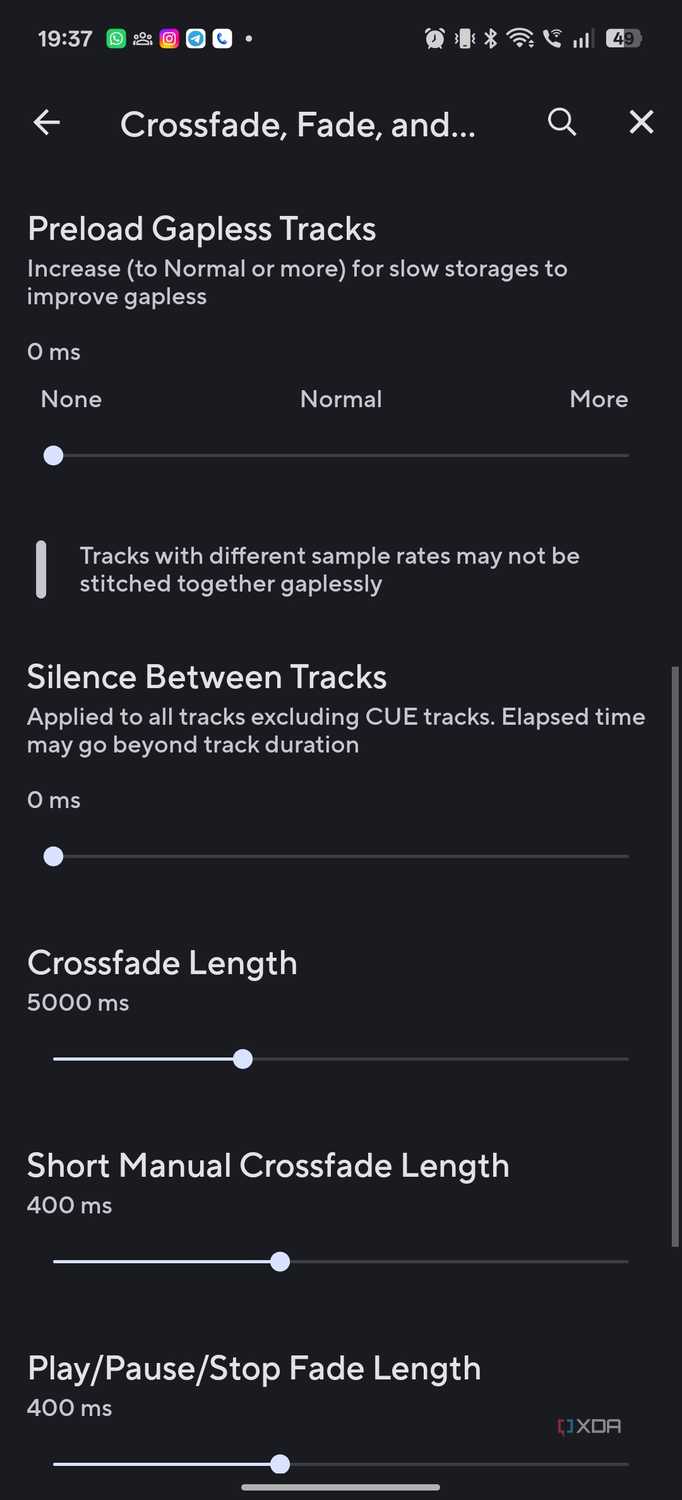
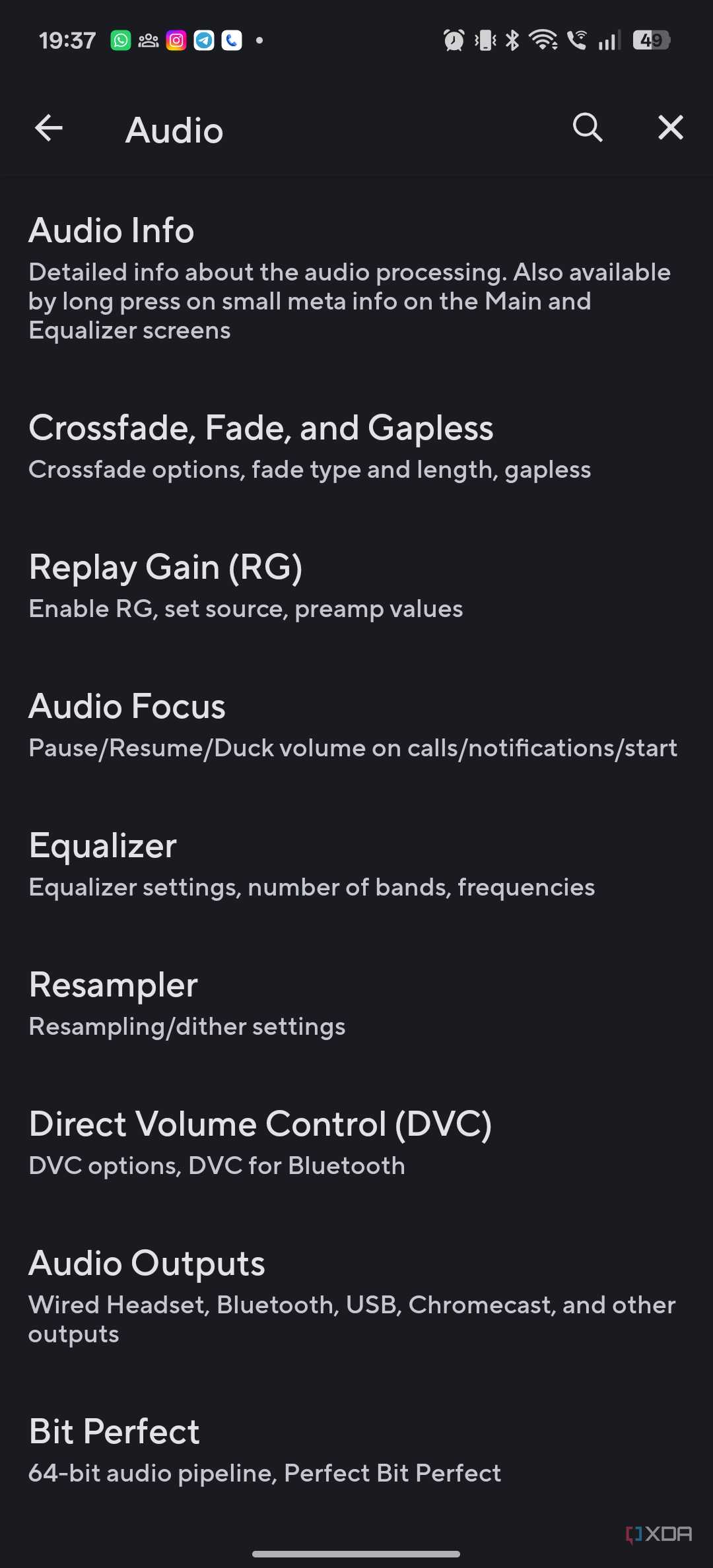
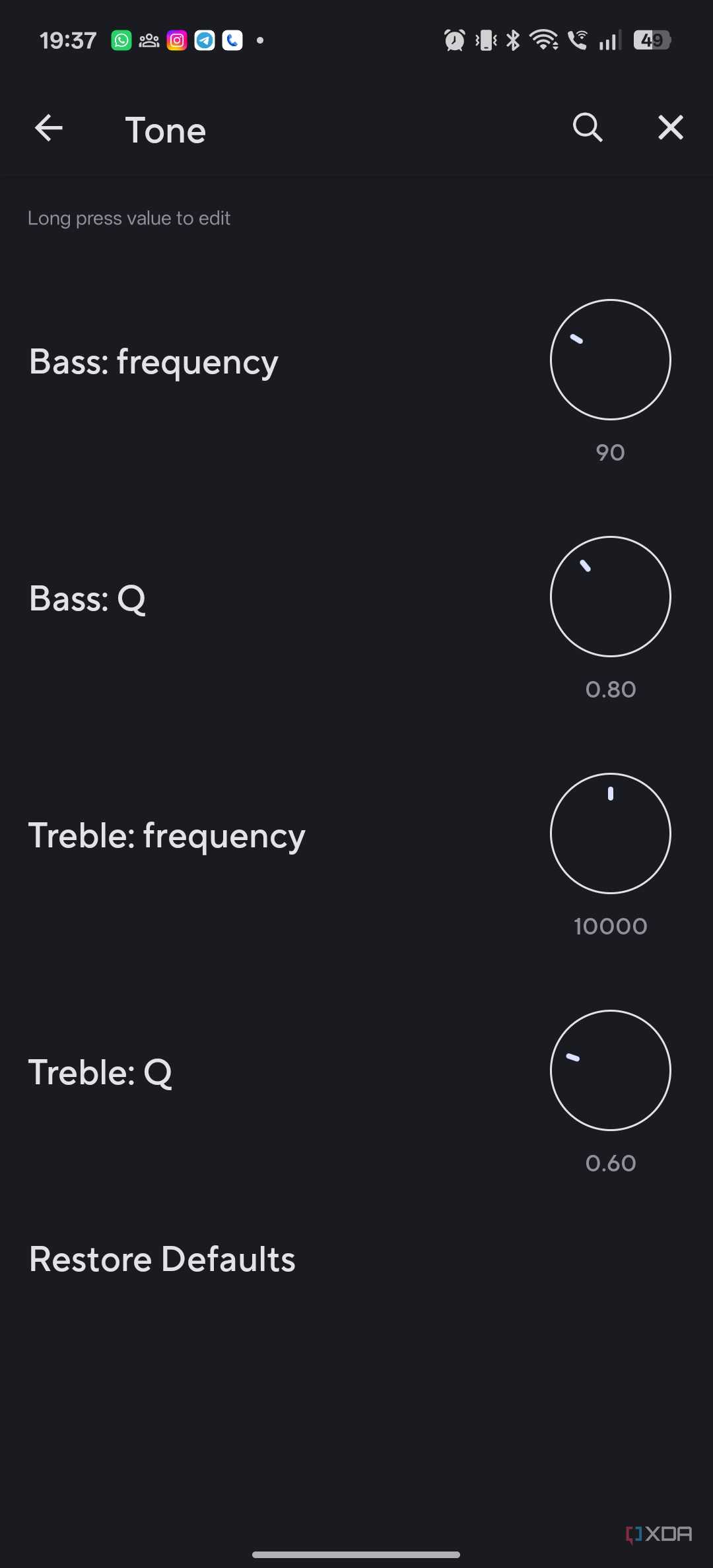
My local music app of choice is Poweramp, which has its own audio engine that works perfectly with Android Auto and gives you much more control than the built-in controls in your car. Between parametric EQ, bass and treble controls, and granular control of my music playback experience with tools like idle playback and ReplayGain, Poweramp lets me listen to audiophile music through the Android Auto infotainment system.
Poweramp fixes the limitations of your car’s built-in audio controls
Fine-tune individual frequencies instead of relying on presets

As I mentioned before, the main reason to use Poweramp in a car is because your car doesn’t have enough controls. A typical car stereo might give you simple rock, pop, or classical presets, but they’ll barely move the needle when it comes to playback. If I find the bass too strong or the vocals too deep, these presets don’t allow me to fully control the experience.
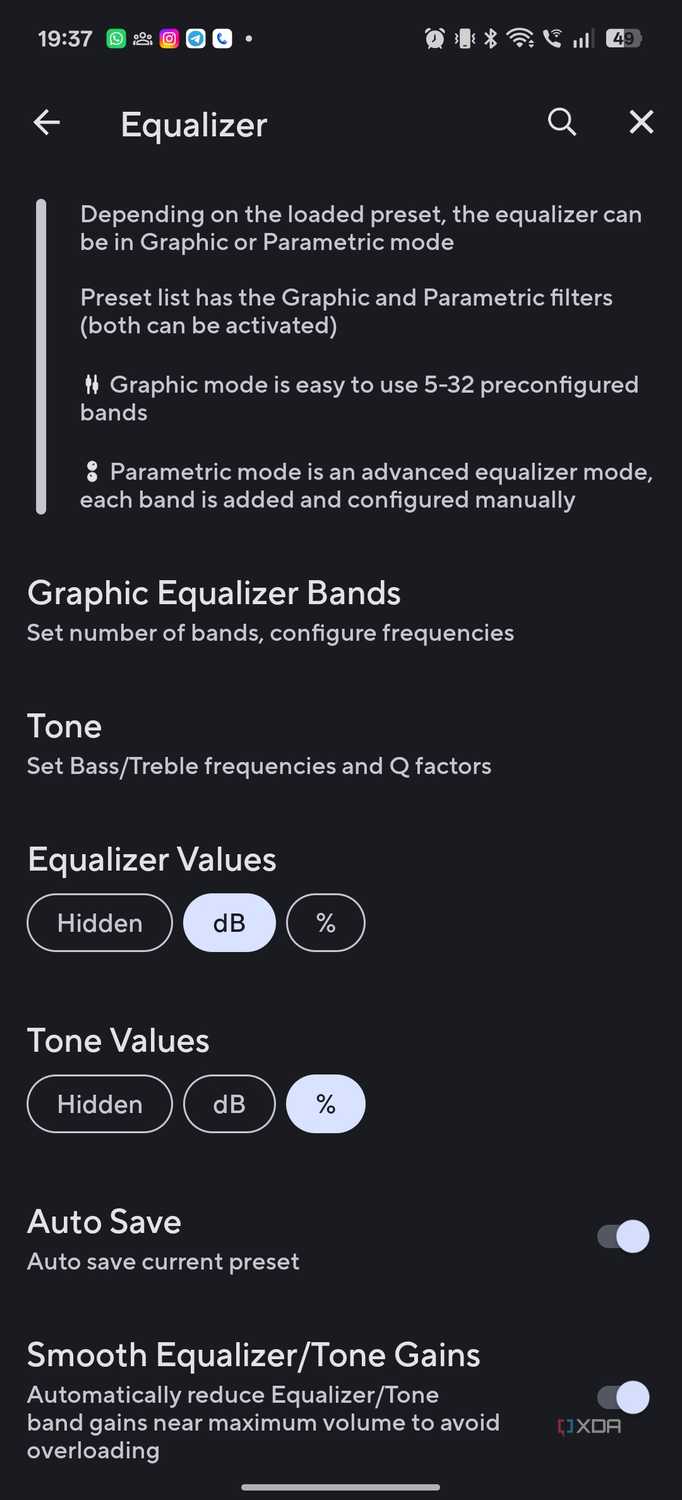
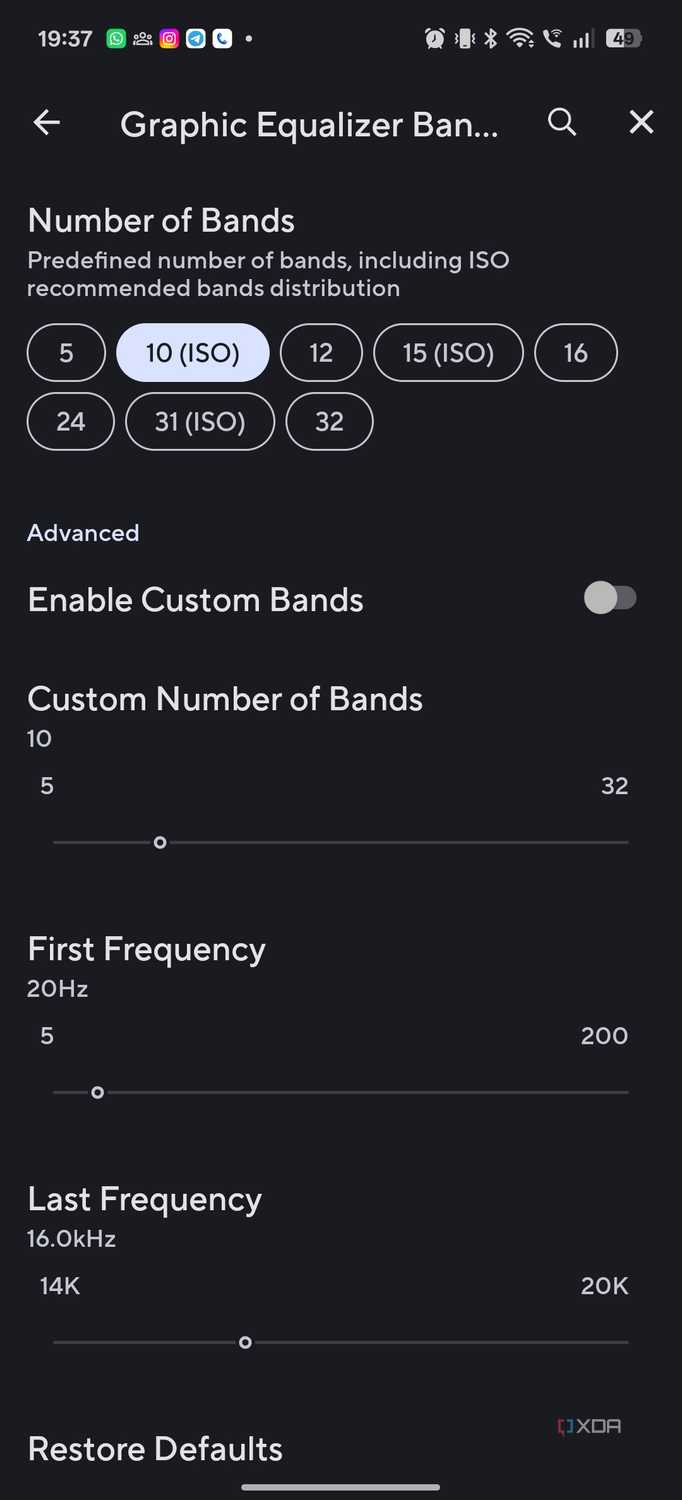
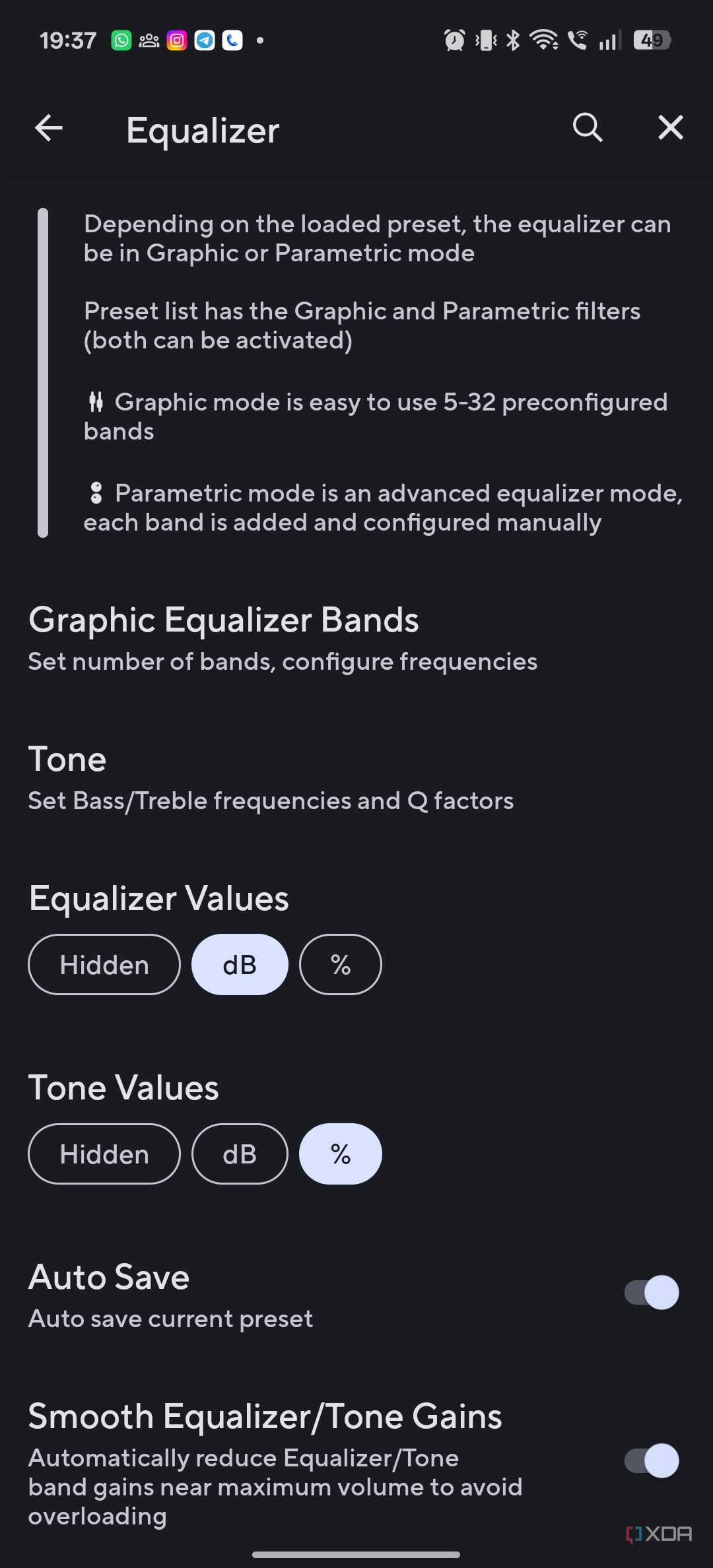
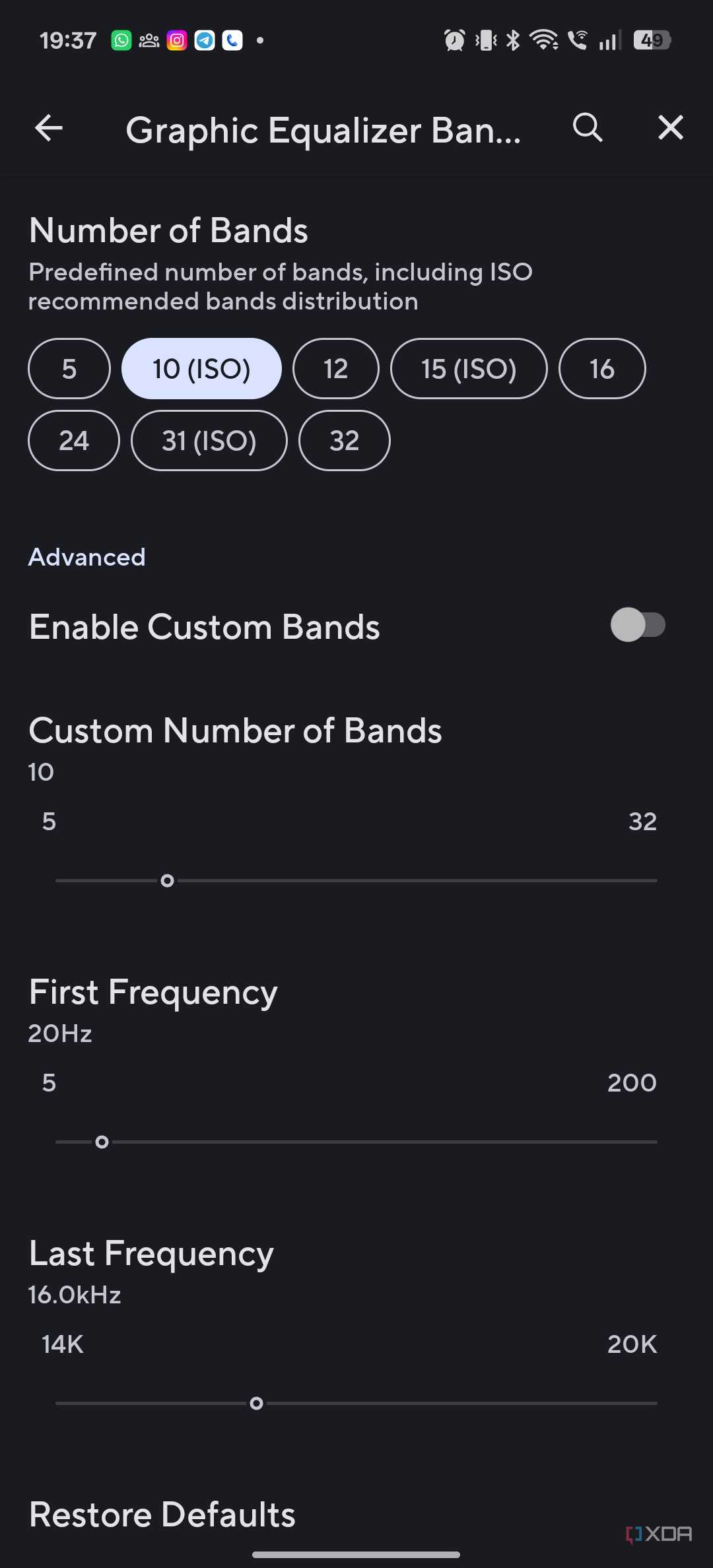
Poweramp does. In fact, it allows me to control the sound playback very carefully. The equalizer can work both in graphic mode for simple adjustments, and in a more involved parametric mode that allows you to configure individual bands – up to 32 of them. This is a massive upgrade to anything you might have installed on your car.
Look, I’m not sitting in my car with a calibrator microphone. Most of the time I use this flexibility mainly to compensate for the sound of my car. It’s anything but an audiophile-optimized listening environment, and certain frequencies can be emphasized or minimized. In fact, you may want to tailor the sound signature depending on what you’re listening to.
For example, I’ve been listening to a lot of drum and bass lately. This is the type of music that benefits from a solid bass. I don’t want to over power the speakers just because I want a little bass attack. Instead, I adjust the volume using the equalizer until I’m happy with how it sounds.
Poweramp lets me control my music levels
Make detailed sound adjustments on your phone
-
Credit: -
Credit: -
Credit: -
Credit: -
Credit: -
Credit:


-
Credit: -
Credit: -
Credit: -
Credit: -
Credit: -
Credit:
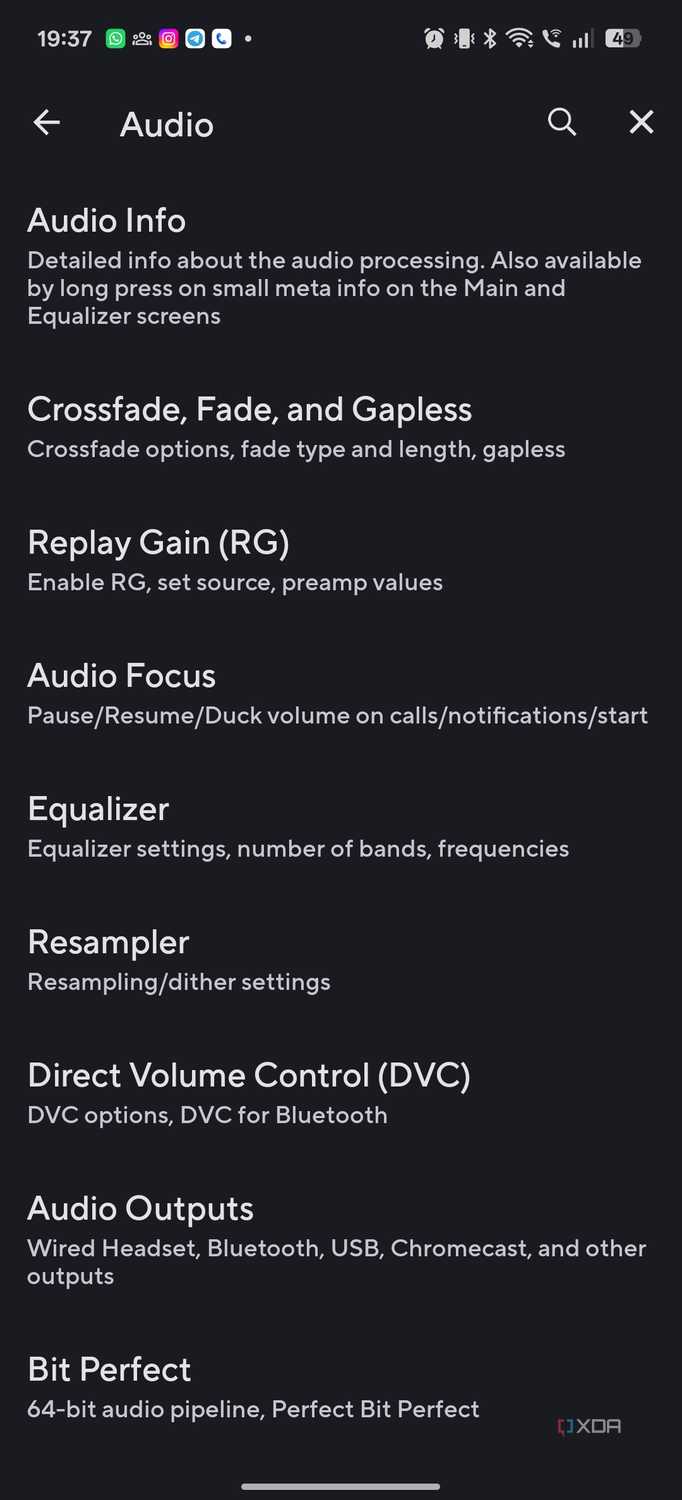
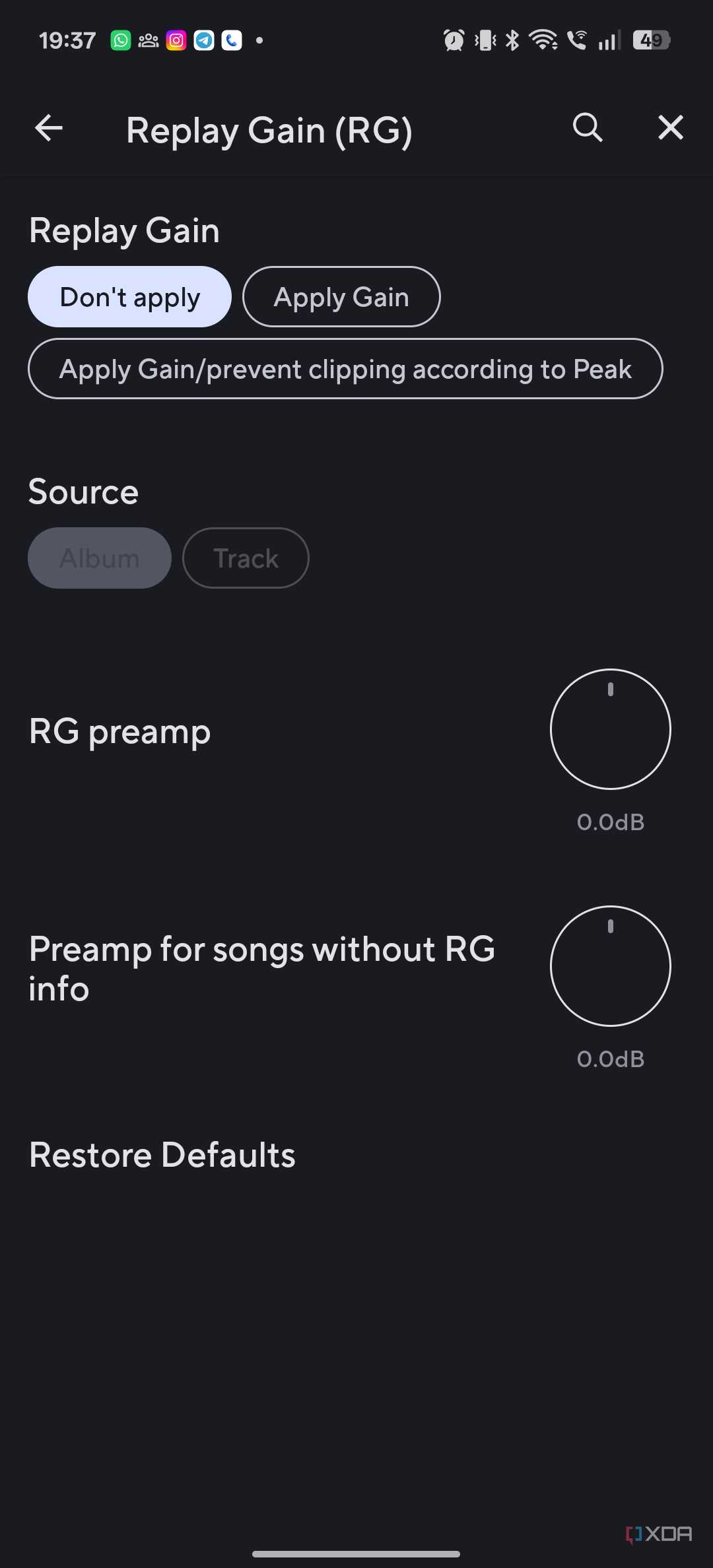
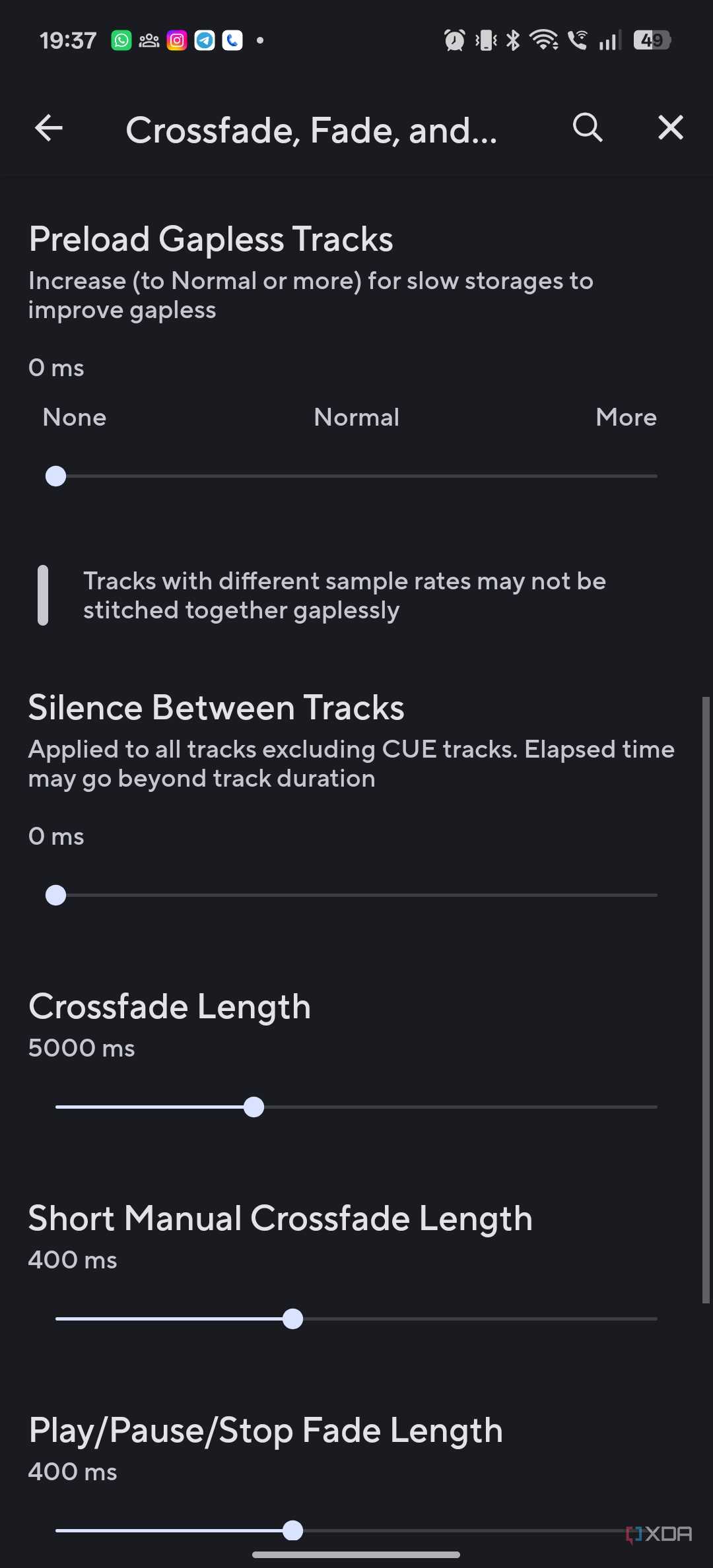
Since Poweramp is designed for enthusiasts, the audio controls are much more than just equalization. If you like to tinker with multiple equalization adjustments at once, a preamp is your friend. Pushing the treble-oriented frequencies too far can introduce clipping, so the preamp allows you to adjust the original volume before applying those changes.
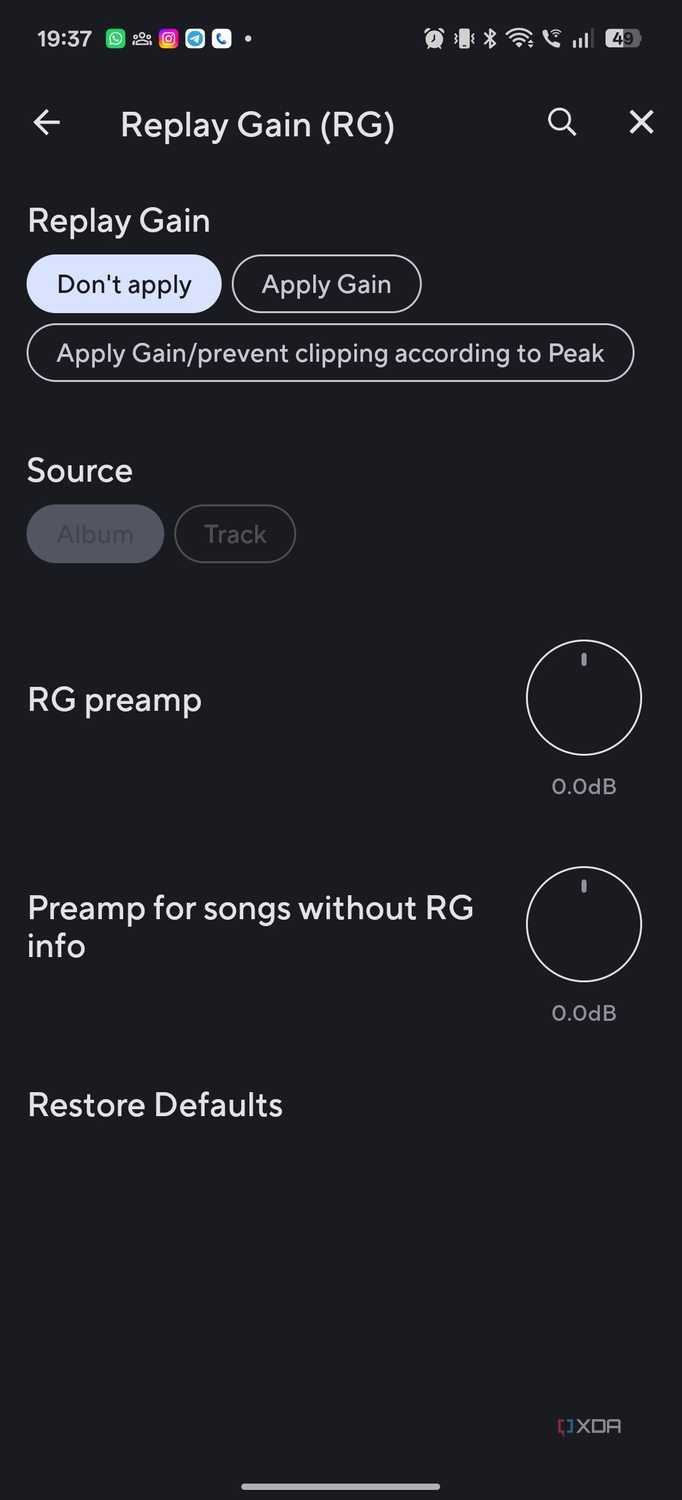
Since most of my local music library comes from a variety of sources, including live recordings and even vinyl cuts, audio normalization levels can vary quite a bit. Using a preamp helps bring a bit of intelligence to the mix and allows you to avoid sounding too loud for comfort. This, combined with ReplayGain support, goes a long way to reducing volume differences between tracks without constantly messing with the volume knob.
Now, this all might sound pretty scary, and to some extent it is. I certainly don’t want to adjust these settings on my car’s infotainment display. Instead, I do all the configuration on my phone. All of these changes translate to Android Auto playback.
I use Poweramp to manage my offline music library, so the equalization functions are a natural extension of the way I use the app. It makes sense to access these with Android Auto.
That said, if you want to get all the benefits of Poweramp Equalizer, you can download Poweramp Equalizer. Since most of my music listening is done through my local high-res music library, it makes sense to use the full-fledged Poweramp app.
Poweramp handles the audio, while Android Auto handles the controls
Given that Poweramp runs music through its own high-res pipeline rather than the default Android music processing, I see the app more as a replacement for Android Auto’s music interface and as an underlying audio engine. PowerAmp’s Android Auto-friendly interface gives me an easy way to control my music playback, and Poweramp listens to my music with all my equalizers and settings.
After dialing in the settings, Poweramp more or less recedes into the background, letting the music take center stage.



